> For the complete documentation index, see [llms.txt](https://guide.roundhr.com/llms.txt). Markdown versions of documentation pages are available by appending `.md` to page URLs; this page is available as [Markdown](https://guide.roundhr.com/setting/integrations/meetings.md).
# 화상 회의 연동
Google Meet, Zoom, Microsoft Teams를 연동하면 면접 확정 시 화상 회의 링크가 자동으로 생성됩니다.
## 1. Google Meet 연동
***
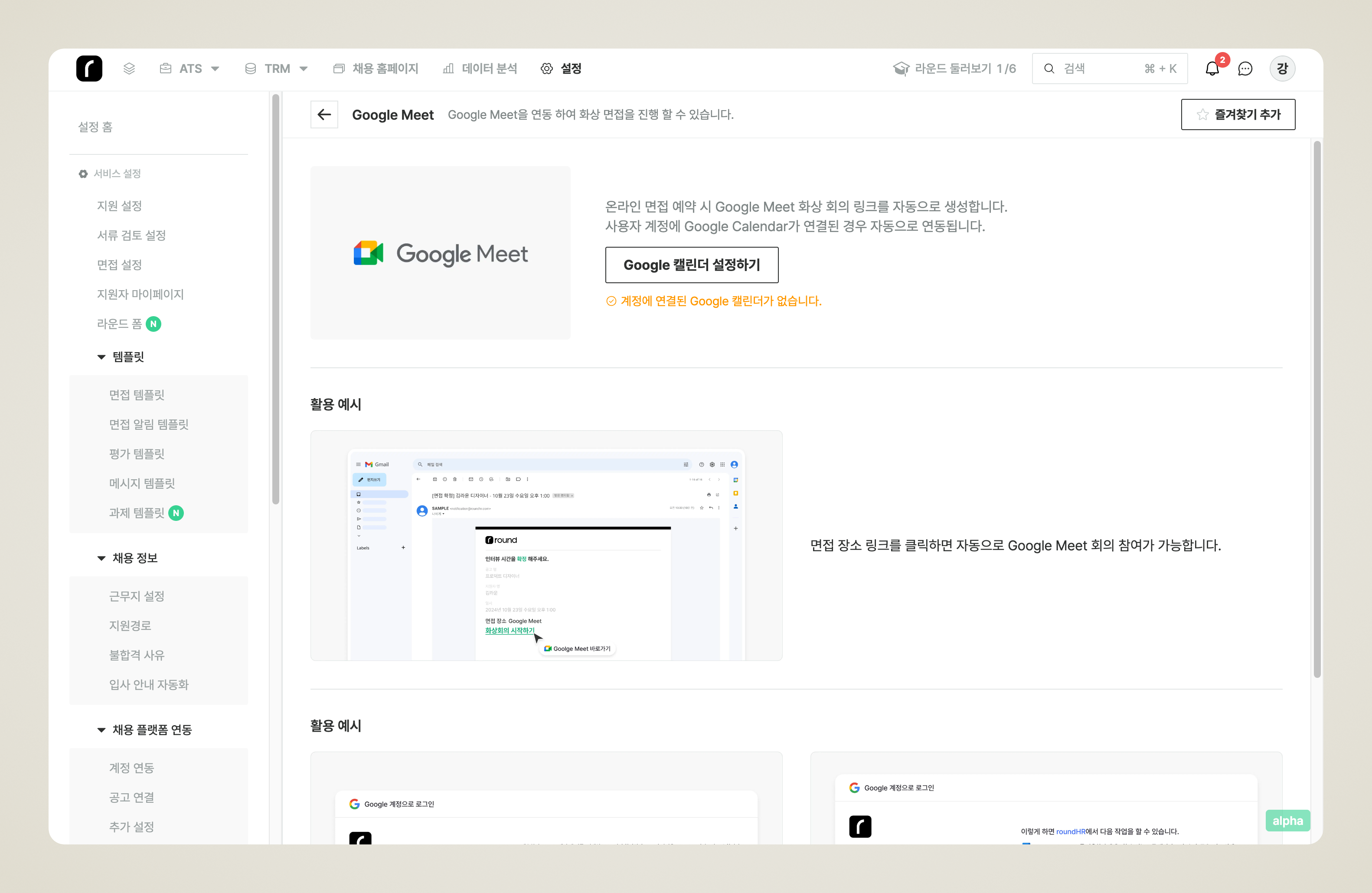
* 서비스 연동 > 화상회의 에서 Google meet을 클릭합니다.
* Google calendar를 연동해서 Google meet 사용이 가능합니다.
* [Google calendar 연동하러 가기 👉](/setting/integrations/calendar/google_calendar.md)
## 3. MS Teams 연동
***
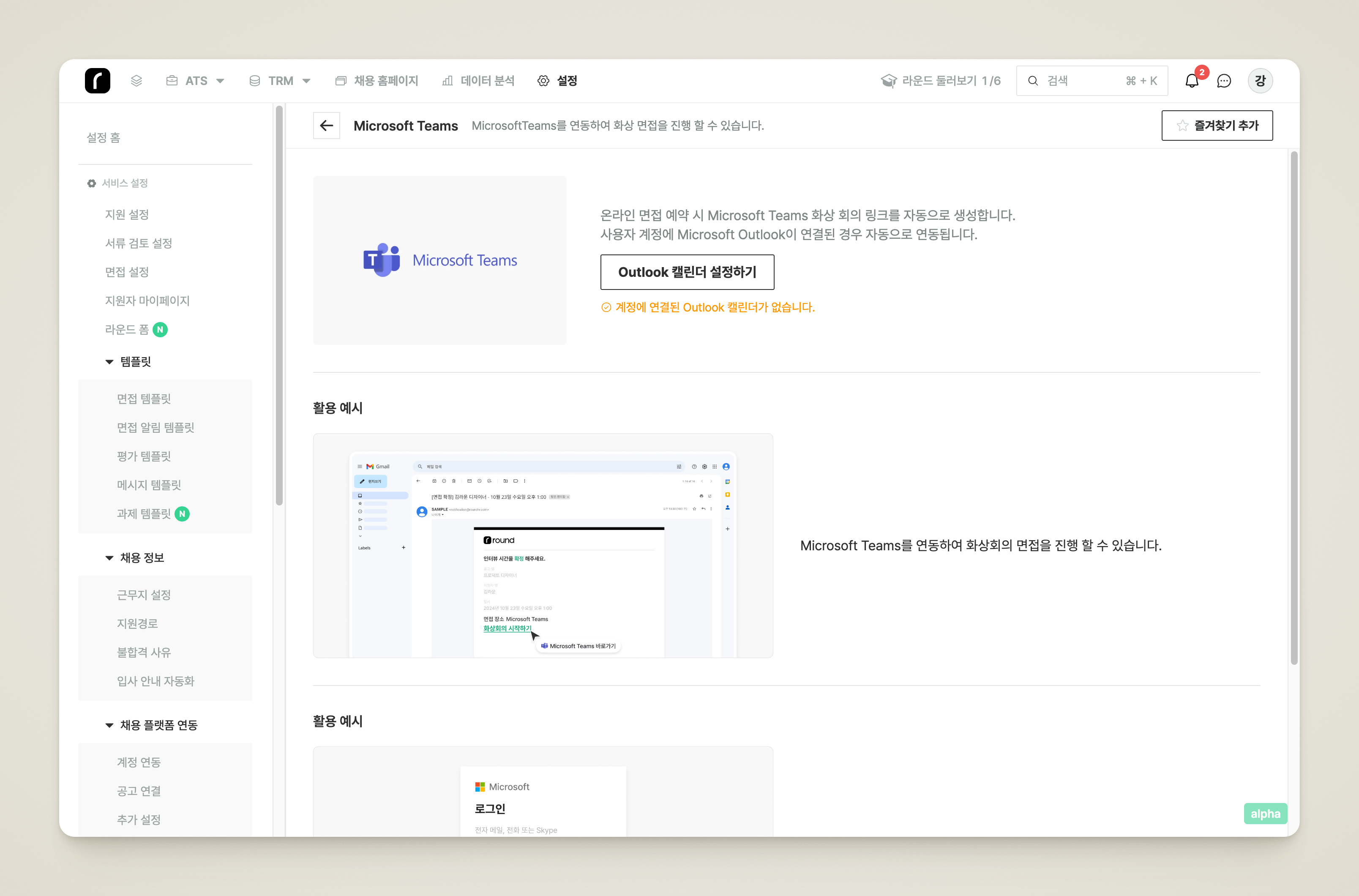
* 서비스 연동 > 화상회의 에서 Microsoft Teams를 클릭합니다.
* Outlook Calendar를 연동해서 Teams 사용이 가능합니다.
* [Outlook calendar 연동하러 가기 👉](/setting/integrations/calendar/outlook.md)
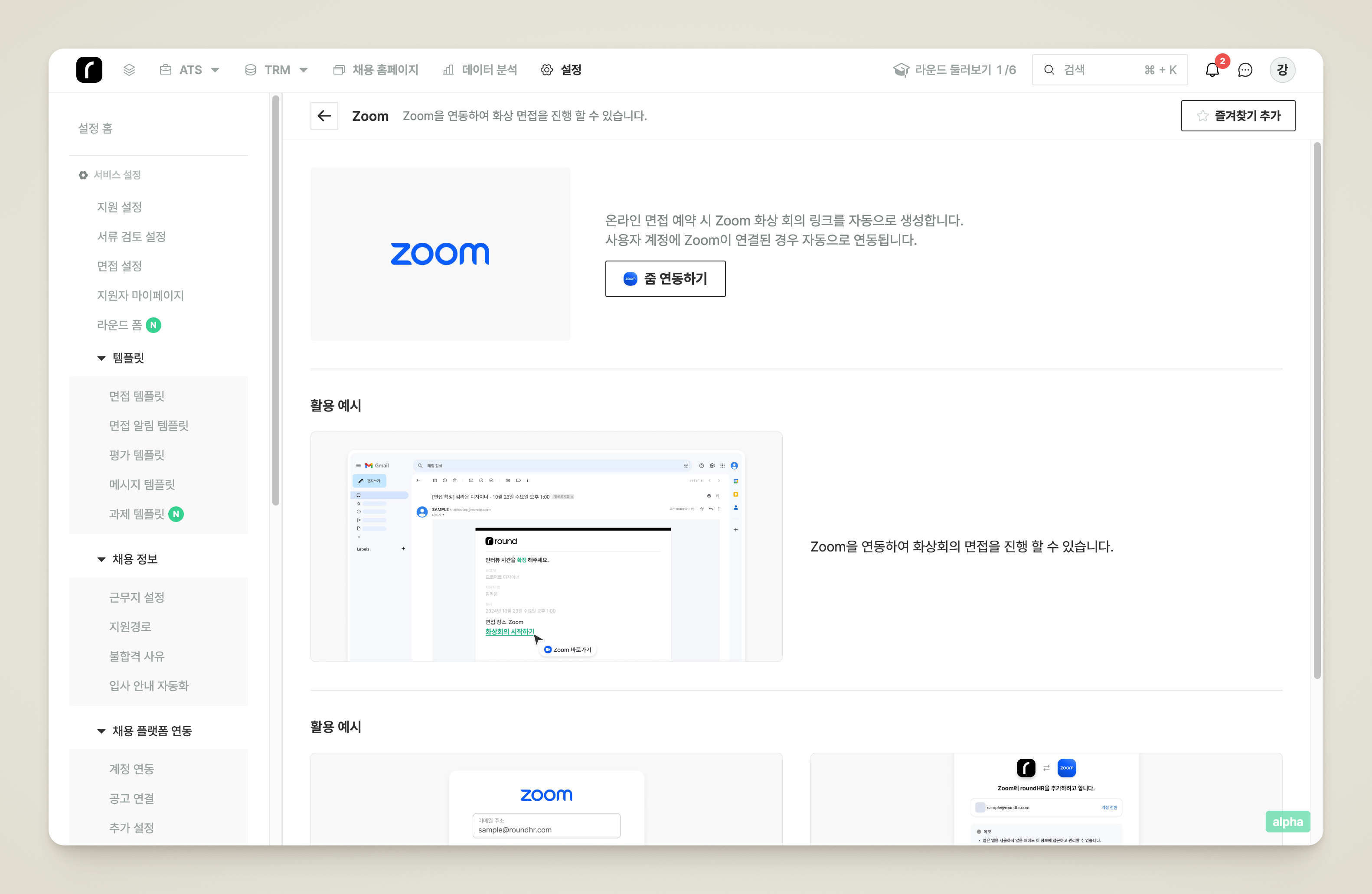
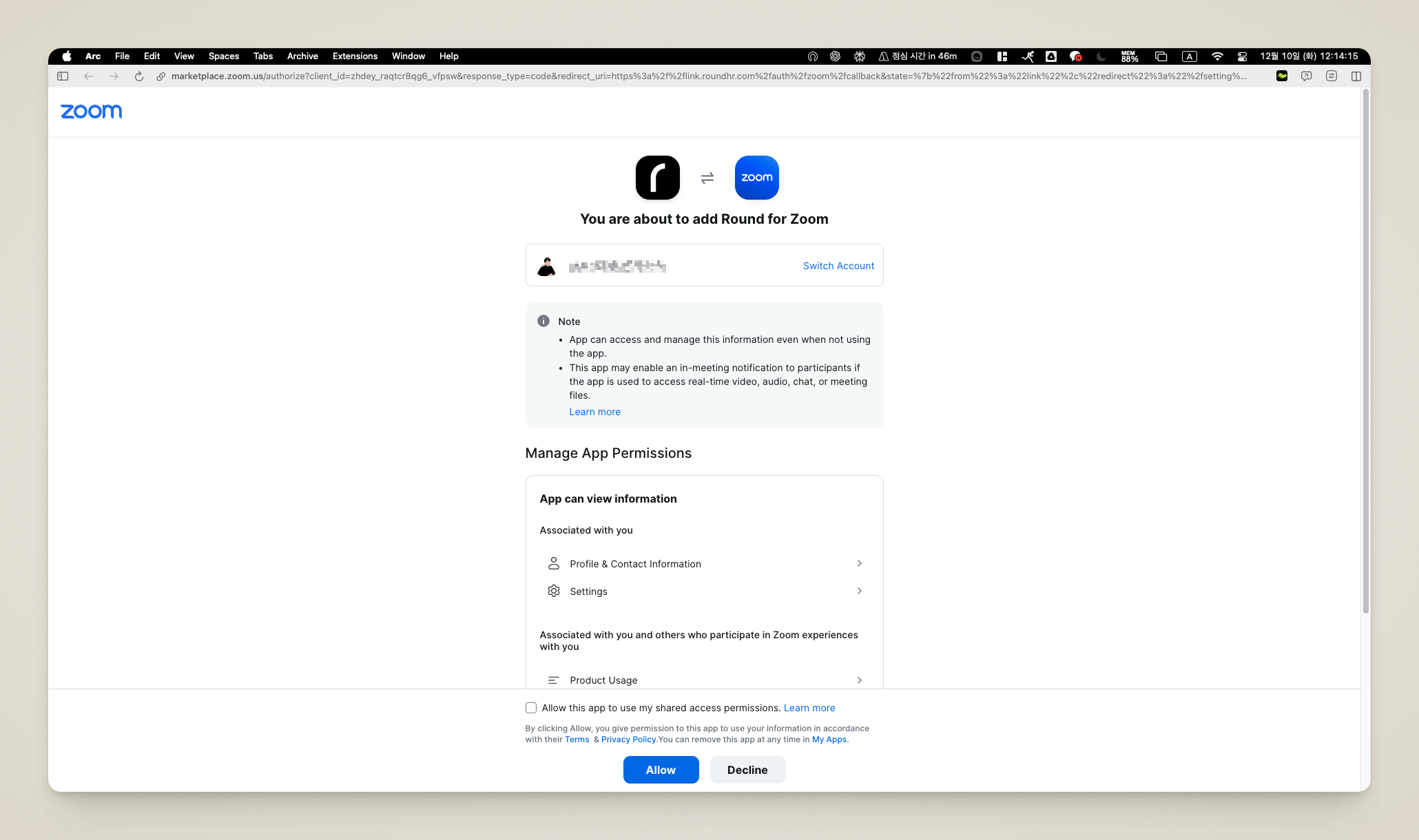
![Zoom 연동 허용 화면의 [Allow] 버튼](https://3113620308-files.gitbook.io/~/files/v0/b/gitbook-x-prod.appspot.com/o/spaces%2Fx3vbe9mozK3C5425TCxL%2Fuploads%2Fgit-blob-3b934c3873e2e48dada3814a92cdec0df353e601%2Fset_integ_meetings_s2_05.png?alt=media)